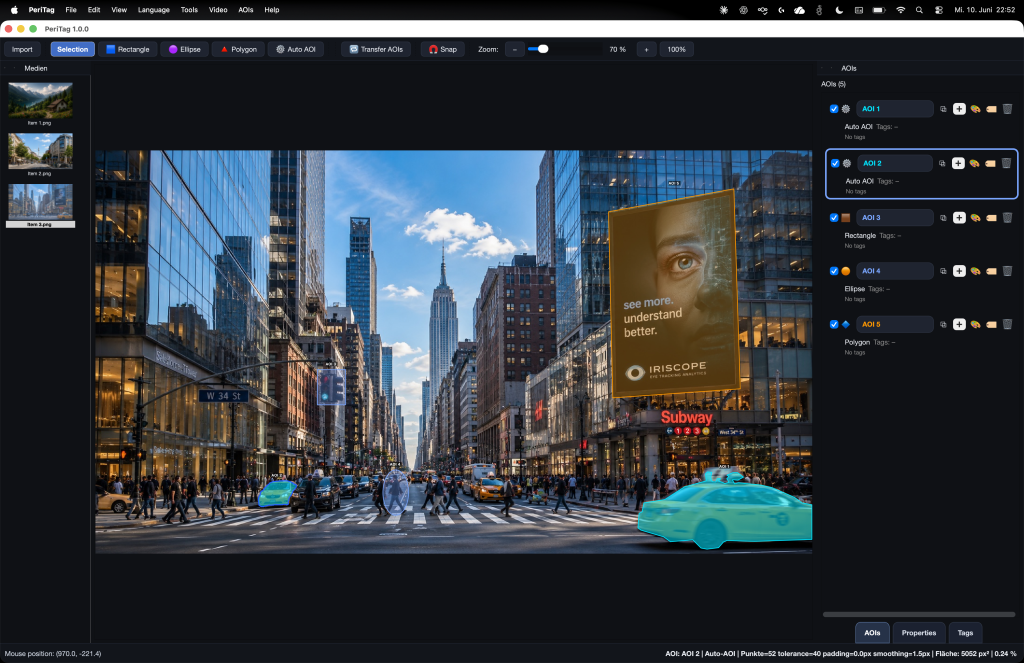
Draw, detect and refine
Combine manual shapes with OCR and model-assisted proposals. Correct boundaries and keep researcher control over the final annotation.
02 / Annotate · PeriTag
Create meaningful AOIs from images and videos. Draw precisely, use OCR and model assistance, track objects over time, and connect the annotation to Builder and Iriscope.
Images & video
Static & dynamic AOIs
Available on request
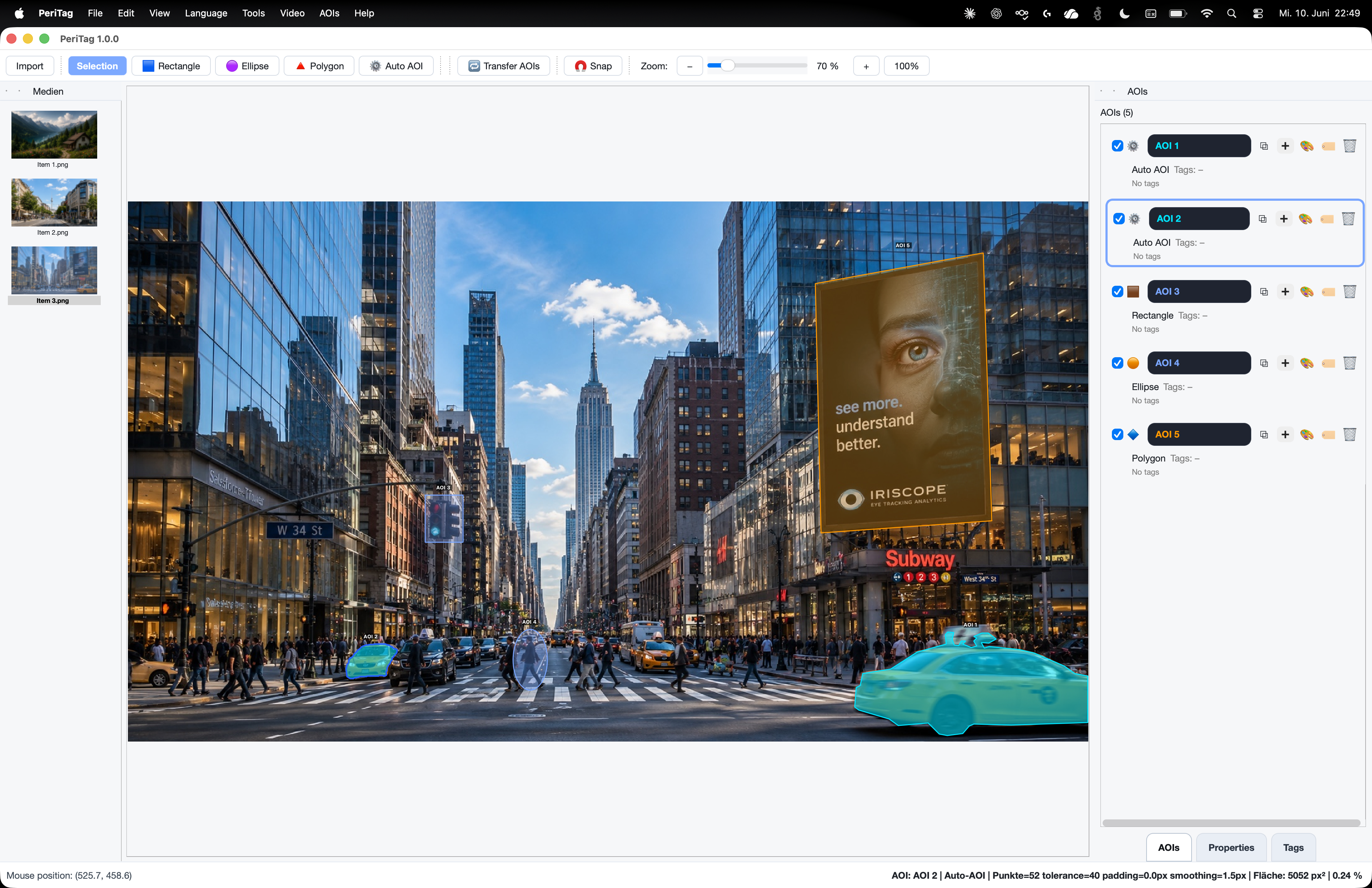
The annotation workspace
A region becomes useful when its geometry, identity and meaning stay together. PeriTag keeps names, colors, tags and time information attached to the material.
Combine manual shapes with OCR and model-assisted proposals. Correct boundaries and keep researcher control over the final annotation.
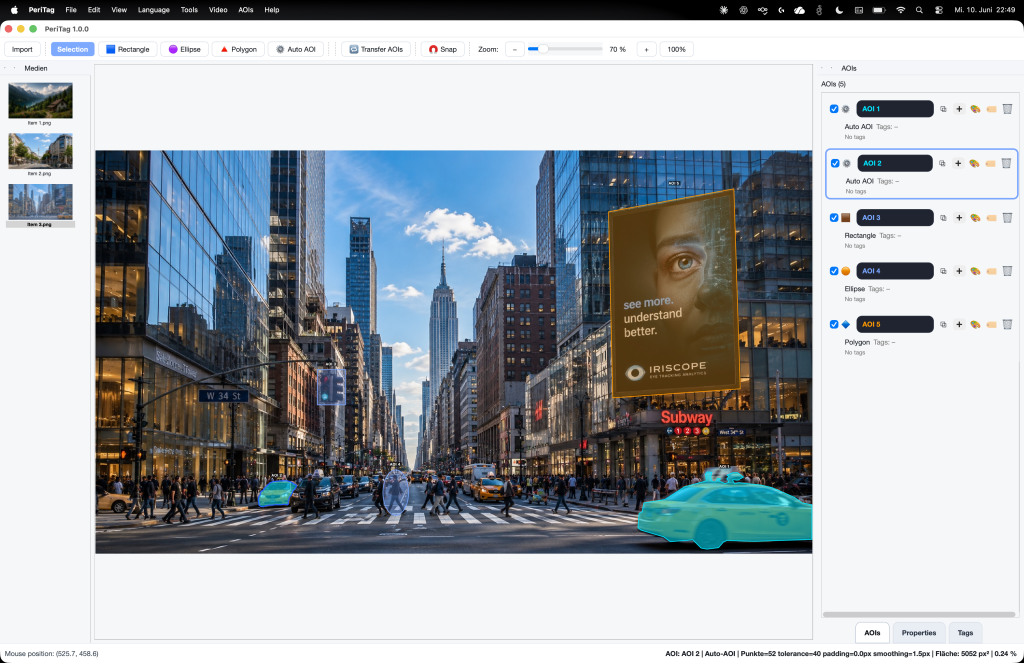
Transfer AOIs across related stimuli, then review the result. Use reusable names and tags so repeated items remain understandable.
Work with keyframes, interpolation and model-assisted tracking. Retain the validity and time context of moving regions.
In the application
An existing product recording shows the relationship between the material, regions and time-aware controls.
Video is more than moving geometry
PeriTag combines dynamic regions with scene analysis and human observation. Automatic proposals and researcher interpretation remain available for review.
Dynamic AOIs
Review tracks and relate scene events to regions while retaining events that cannot be assigned safely.
Voice notes
Record live or retrospective observations, correct their transcripts and attach them to intervals and AOIs.
AOI annotation
Select manual geometry, OCR or assisted proposals according to the material and the research question.
Builder ↔ PeriTag ↔ Iriscope
Send image and video stimuli from Builder to PeriTag, then return their AOIs to the experiment. Bring PeriTag projects into Iriscope, and revisit annotation when the analysis reveals a new question.
Models by choice
Use the model-assisted tools that suit your material and review their proposals. Optional model dependencies are configured deliberately; annotation remains under researcher control.
01
Accelerate the selection of visible objects without treating generated boundaries as a final research decision.
02
Use supported video-analysis workflows to propose events and scene context, then check the temporal protocol.
03
Add corrected labels, notes and voice observations so interpretation is tied to the relevant material and interval.
Access on request
Tell us about the images, videos, item sets and AOI output your study needs. PeriTag and its licenses are supplied on request.